Upgrade Your iMac with a High-Speed SSD
Is your iMac running slowly, taking minutes to boot, or constantly showing the spinning wheel? An iMac SSD upgrade is the most effective way to dramatically improve performance without replacing your machine.
We provide professional iMac SSD upgrades for all supported models, including 21.5-inch and 27-inch iMacs. Replacing your old mechanical hard drive or Fusion Drive with a solid-state drive (SSD) can make your iMac up to 10x faster.
Why Upgrade to an SSD in Your iMac?
- ⚡ Faster boot times (typically under 20 seconds)
- 🚀 Dramatically improved app loading speeds
- 🖥 Smoother macOS performance
- 🔋 Improved reliability over traditional hard drives
- 💾 Increased storage capacity options
- 🔧 Extends the life of your iMac by years
If your iMac feels outdated but the screen and performance are otherwise good, an SSD upgrade is the most cost-effective solution.
Supported iMac Models for SSD Upgrade
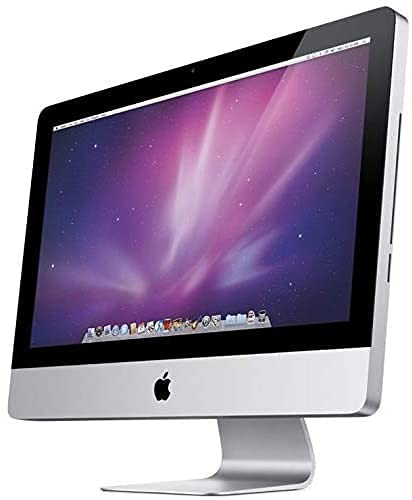
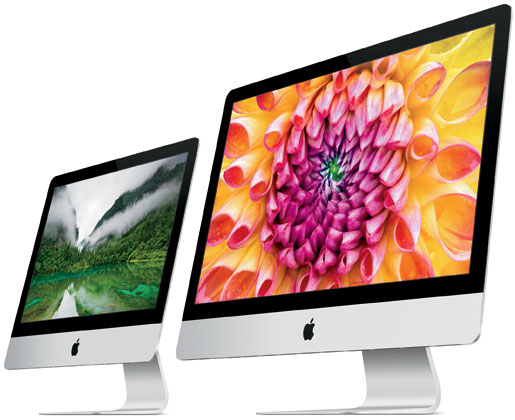
We carry out SSD upgrades on:
- iMac 21.5-inch (2012–2019)
- iMac 27-inch (2012–2020)
- iMac models with HDD or Fusion Drive
- Intel-based iMac systems
Not sure which model you have? Contact us, and we’ll confirm compatibility.
What’s Included in Our iMac SSD Upgrade Service?
Our complete iMac SSD upgrade includes:
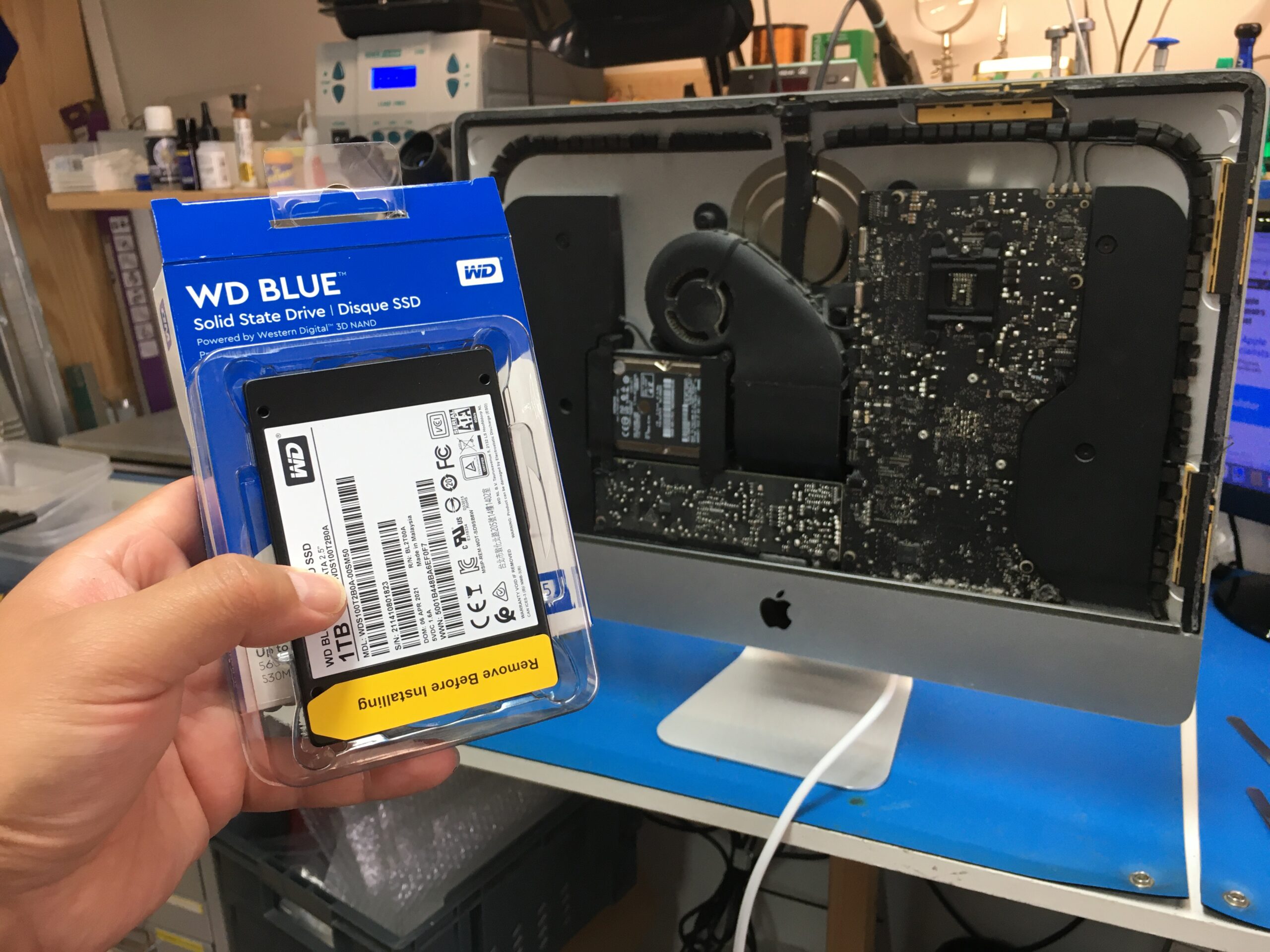
- Full internal disassembly
- Removal of old HDD or Fusion Drive
- Internal cleaning of iMac
- Installation of a premium high-speed SSD
- Thermal sensor compatibility solution (where required)
- macOS installation
- Data transfer (if requested)
- Full performance testing
- 12-month warranty on parts & labour
We use only high-quality SSDs designed for long-term reliability and performance. SSD manufacturer may vary depending on availability.
How Much Does an iMac SSD Upgrade Cost?
Apple iMac SSD Upgrade Service
Do you have an iMac and you find that it’s running extremely slowly? Are you constantly waiting for the spinning wheel?
How Long Does an iMac SSD Upgrade Take?
Most iMac SSD upgrades are completed within:
- estimated 2-4 working days, longer if data transfer is requested.
We aim to minimise downtime and get your iMac back to you as quickly as possible.
Signs Your iMac Needs an SSD Upgrade
- Slow startup
- Applications freezing
- Beachball spinning constantly
- Loud clicking hard drive noise
- macOS updates running poorly
- Fusion Drive failure warnings
If you’re experiencing any of the above, an SSD upgrade is often the permanent fix.
Why Choose Us for Your iMac SSD Upgrade?
- Specialist Apple Mac repair
- Years of experience upgrading iMacs
- Professional anti-static workshop
- Transparent pricing
- No hidden fees
- Local, trusted repair service
- Fast turnaround times
We focus exclusively on high-quality Apple repairs and upgrades.
Frequently Asked Questions – iMac SSD Upgrades
Is an SSD upgrade worth it for an older iMac?
Yes. In most cases, an SSD upgrade makes an older iMac feel like a brand-new machine and is far cheaper than replacing it.
Will I lose my data?
We can clone your existing drive to the new SSD or perform a clean macOS installation. Data transfer options are available.
Can all iMacs be upgraded?
Most Intel-based iMac models can be upgraded. Newer Apple Silicon iMacs cannot have their storage upgraded after manufacture.
Is it better than buying a new iMac?
If your screen and processor are still functioning well, upgrading to an SSD is significantly more cost-effective.
Book Your iMac SSD Upgrade Today
Don’t replace your iMac — upgrade it.