Professional MacBook SSD Upgrade Specialists
Is your MacBook running slow, freezing, or taking forever to start up? A MacBook SSD upgrade is the most effective way to dramatically improve speed, reliability, and overall performance.
We provide professional MacBook SSD upgrades for compatible models, replacing old hard drives with ultra-fast solid-state drives (SSD) that can make your MacBook feel brand new again.
Why Upgrade Your MacBook to an SSD?
- ⚡ Boot times reduced to under 20 seconds
- 🚀 Applications open instantly
- 💻 Smoother macOS performance
- 🔋 Greater reliability than mechanical hard drives
- 🔧 Extends your MacBook’s lifespan by years
- 💾 Larger storage options available
If your MacBook is still working but feels painfully slow, an SSD upgrade is the most cost-effective solution.
Supported MacBook Models for SSD Upgrade
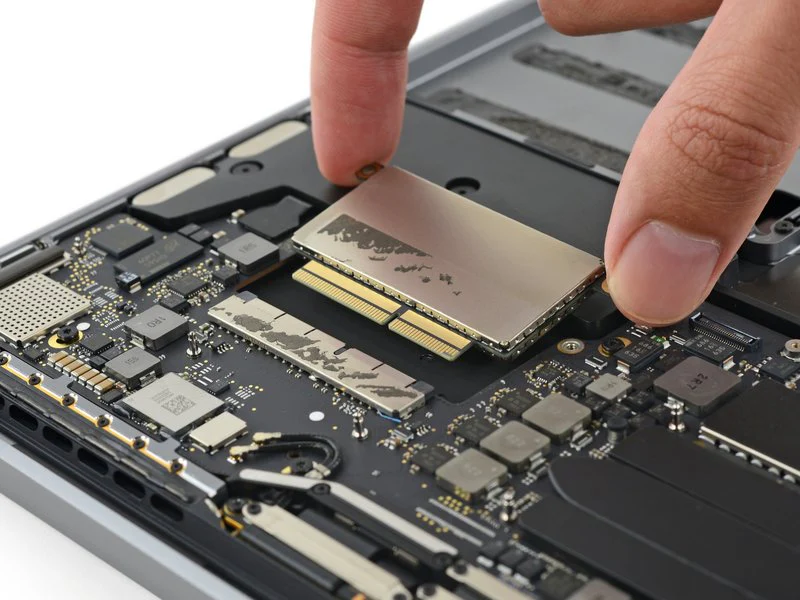
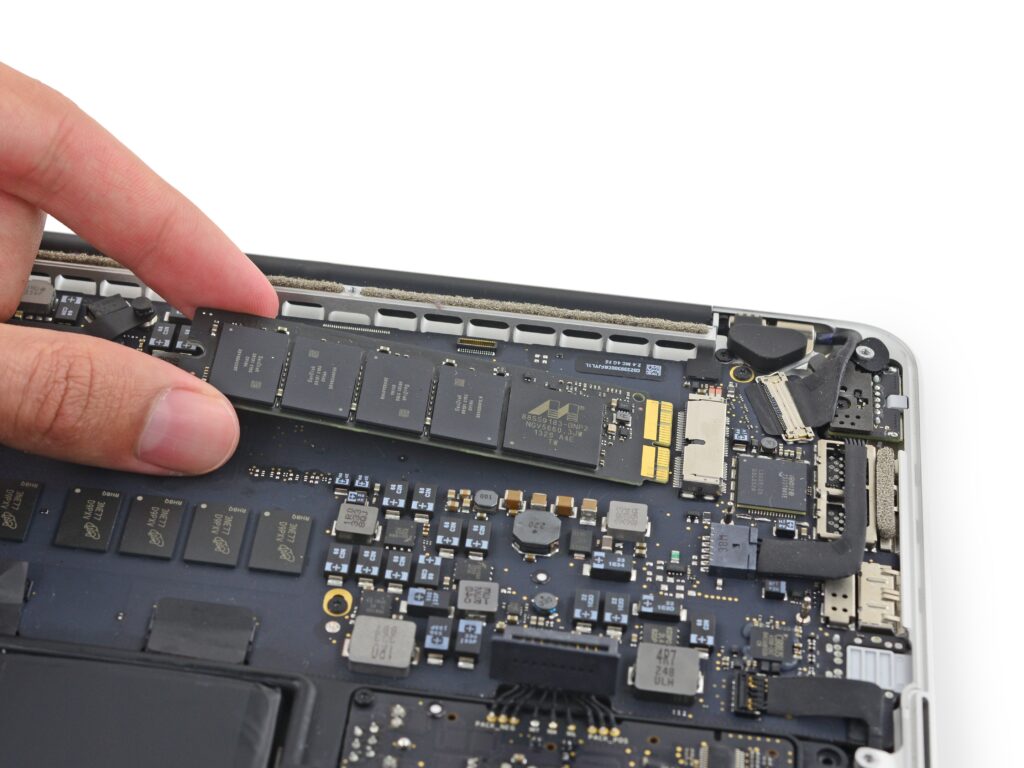
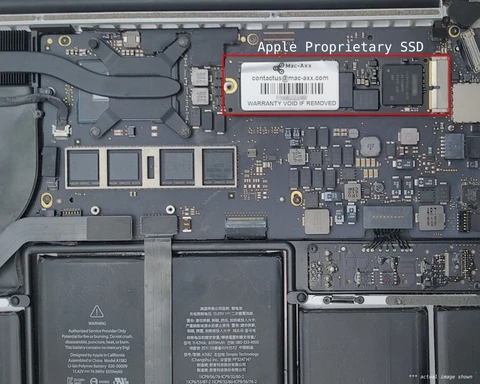
We carry out SSD upgrades on compatible:
- MacBook Pro (Non-Retina models with removable drives)
- MacBook Pro Retina (2012–2015 models with replaceable SSD)
- MacBook Air (2012–2017 models with upgradeable SSD)
- Older MacBook models with an HDD installed
Important:
Newer MacBook models (2016 onwards in most cases) have soldered storage and cannot be upgraded after manufacture.
Not sure which model you have? Contact us with your serial number, and we’ll confirm.
What’s Included in Our MacBook SSD Upgrade Service?
Our complete MacBook SSD upgrade includes:
- Full internal inspection
- Removal of old hard drive or original SSD (if replaceable)
- Internal cleaning of MacBook
- Installation of high-performance SSD
- macOS installation
- Data transfer or cloning (if required)
- Full performance testing
- 12-month warranty on parts & labour
We use high-quality SSDs for maximum performance and reliability. SSD manufacturer may vary depending on availability.
How Much Does a MacBook SSD Upgrade Cost?
Apple MacBook SSD Upgrade Service
Do you have a MacBook and you find that it’s running extremely slowly? Are you constantly waiting for the spinning wheel?
How Long Does a MacBook SSD Upgrade Take?
Most MacBook SSD upgrades are completed within:
- estimated 2-4 working days, longer if data transfer is requested.
We prioritise fast service with minimal downtime.
Signs Your MacBook Needs an SSD Upgrade
- Slow startup
- Spinning wheel (beachball) frequently
- macOS running sluggishly
- Applications freezing
- Hard drive clicking noises
- “Disk failing” warnings
If you’re experiencing these symptoms, upgrading to an SSD is often the permanent fix.
Why Choose Us for Your MacBook SSD Upgrade?
- Apple MacBook repair specialists
- Experienced technicians
- Professional anti-static repair environment
- Transparent pricing
- Fast turnaround times
- No hidden charges
- Local trusted repair centre
We specialise in Apple upgrades and repairs, ensuring your MacBook is handled properly and safely.
Frequently Asked Questions – MacBook SSD Upgrades
Is upgrading my MacBook to an SSD worth it?
Yes. If your MacBook supports upgrades, installing an SSD dramatically improves speed and extends its usable life for years.
Will I lose my data during the upgrade?
We offer full data cloning and transfer services to ensure your files are safely moved to the new SSD.
Can all MacBooks have their SSD upgraded?
No. Many MacBooks from 2016 onwards have soldered storage that cannot be upgraded. Older models often can.
Is it cheaper than buying a new MacBook?
In most cases, yes. An SSD upgrade costs significantly less than replacing your MacBook.
Book Your MacBook SSD Upgrade Today
Don’t replace your MacBook — upgrade it.